Description
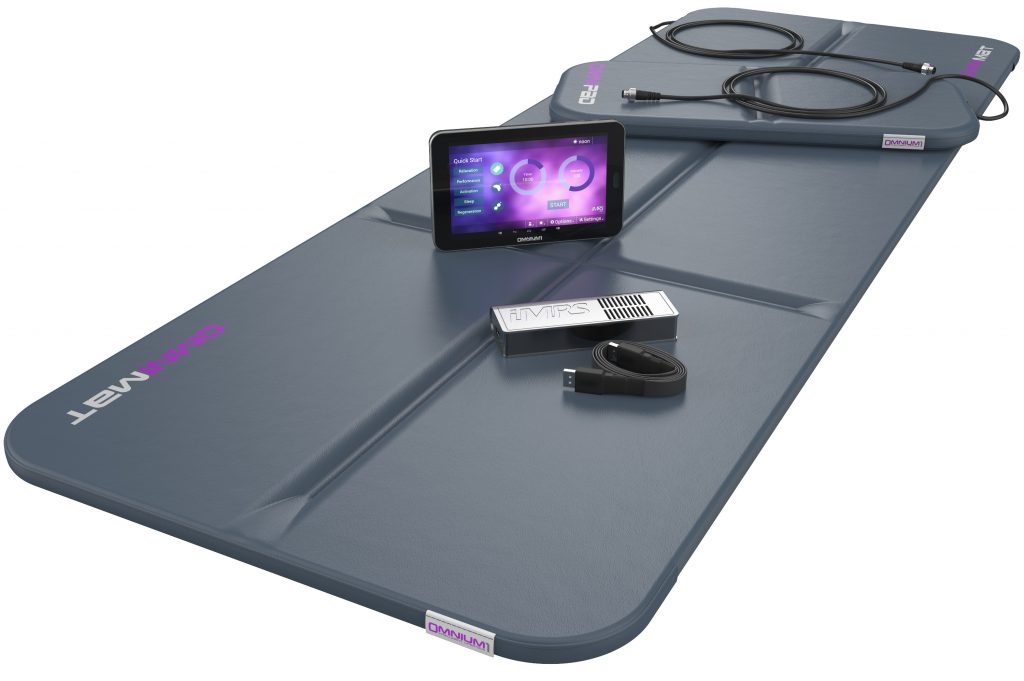
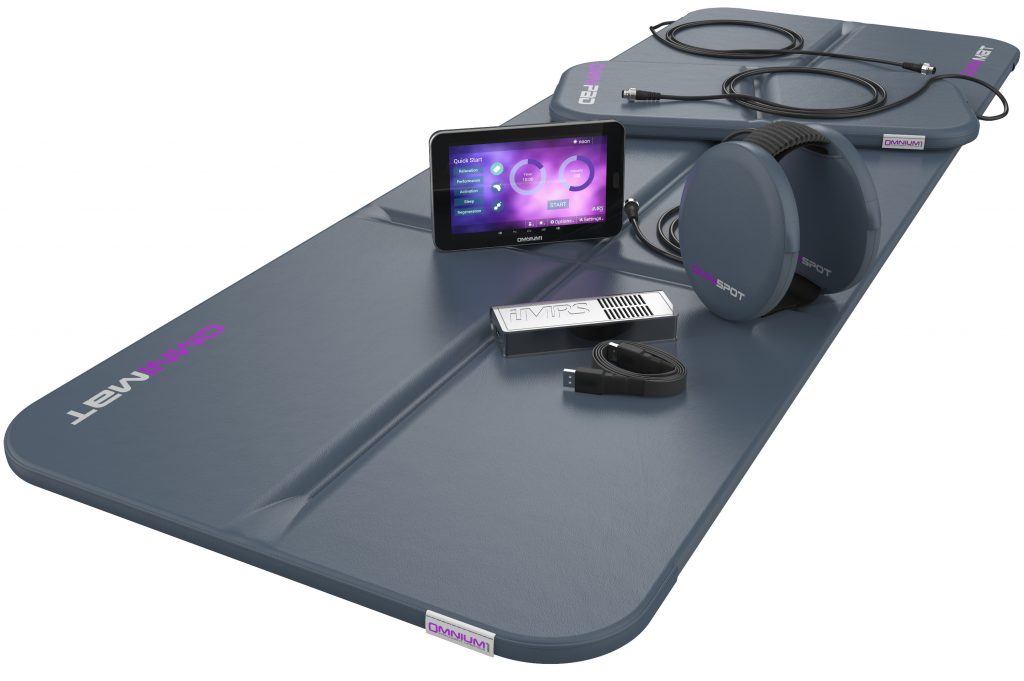
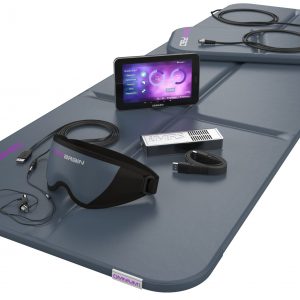
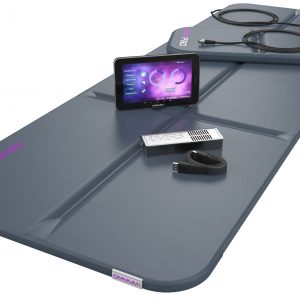
The iMRS Prime Control Unit is the dedicated touchscreen “brain” of the iMRS Prime platform — the central interface used to run sessions, select software modes, manage compatible applicators, and store/export session records (where enabled).
It’s intuitive, stable, and designed for life: simple to navigate in minutes, consistent to repeat day after day, and expandable over time as your configuration grows.
Hardware you’ll actually notice
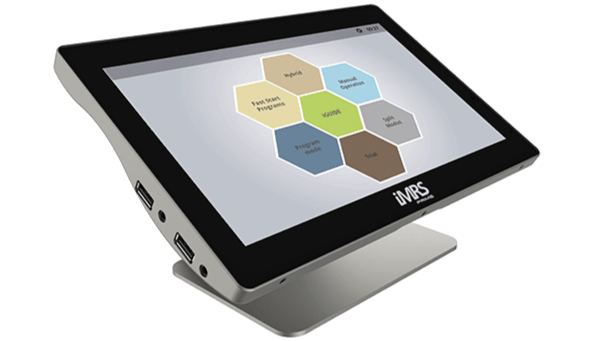
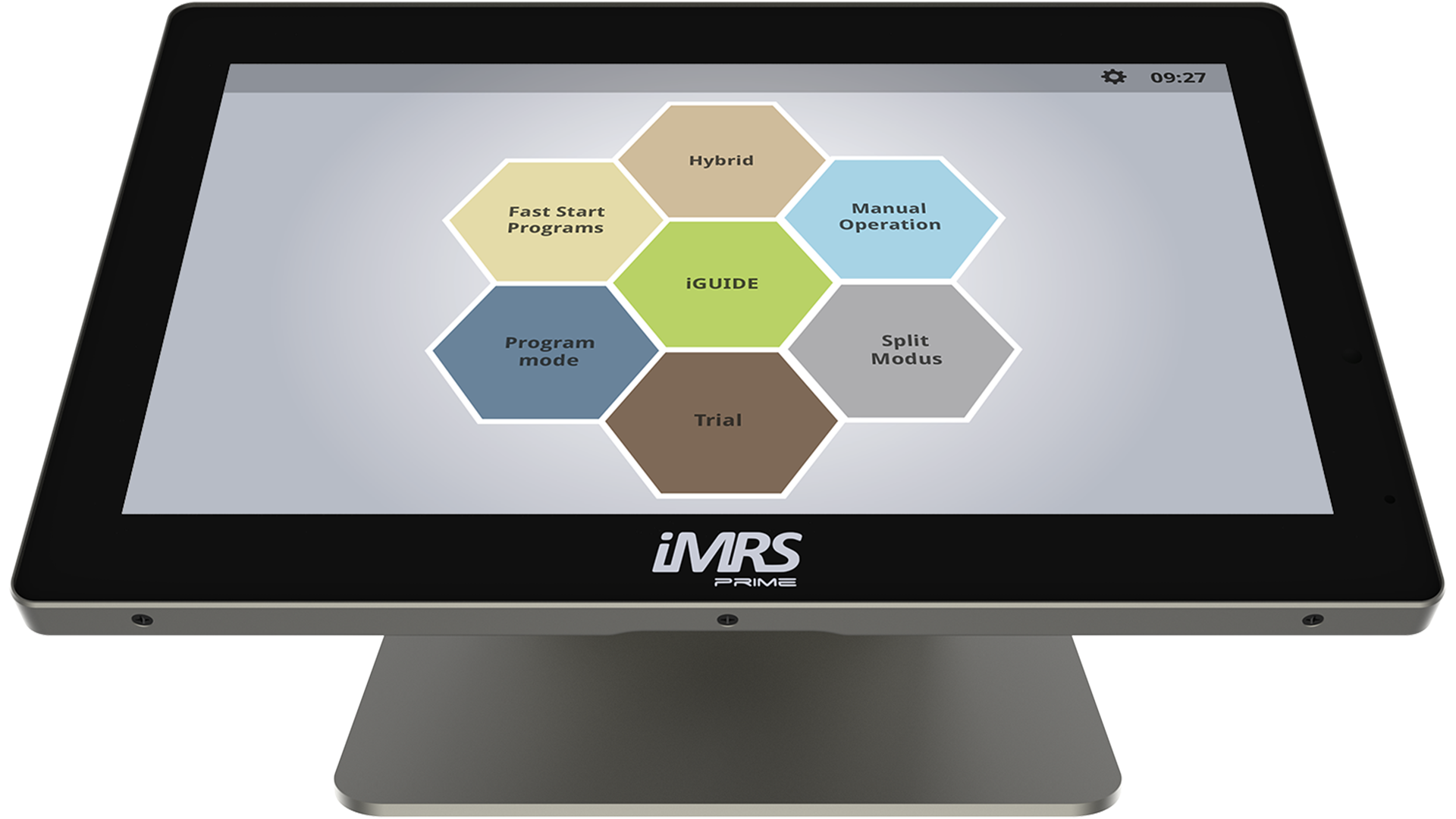
- 10.2” capacitive touchscreen with a fixed 45° viewing angle on a solid stand for comfortable use from a chair, bed, or treatment table
- Premium, durable housing with a clean desktop footprint
- Solid-state internal storage (no moving parts) for reliability and consistent performance
- Built-in audio output options (speaker/headphone support) for compatible guided workflows
- USB connectivity for updates, media transfer, and session exports (where enabled)
Purpose-built platform (not a general-use tablet)
The iMRS Prime Control Unit runs on an embedded operating platform (commonly referenced as Windows IoT in technical documentation) to support stability and long-term maintainability. The interface itself remains dedicated to iMRS Prime functionality — focused on one job: running your iMRS Prime sessions reliably and consistently.
iMRS Prime software and modes
Below is a clear synopsis of the key iMRS Prime software functions you may see available on this platform. Exact availability can vary by software version and configuration.
Biorhythm Clock (Organ Clock)
A time-of-day framework (Morning / Afternoon / Evening / Night) that helps structure sessions into consistent day parts for a simpler routine.
Fast Start Programs
A guided “press play” set of presets designed for quick selection and repeatable use. (Exact program names can vary by version.)
iGuide Program Library (250+ presets)
An integrated program library that helps users explore a large range of preset options inside the system.
Program Mode (Saved Sessions / Favorites)
Save preferred sessions for easy recall — ideal for households, multi-user environments, or anyone who wants a consistent one-tap routine.
Manual Mode
A direct-control workflow for users who prefer more intentional session setup while staying within the iMRS Prime structure.
Split Mode (Left/Right Independent Control)
Independent left/right operation so different applicators or session styles can run at the same time (where enabled).
Exagon Brain Integration (Audio + Guided Workflows)
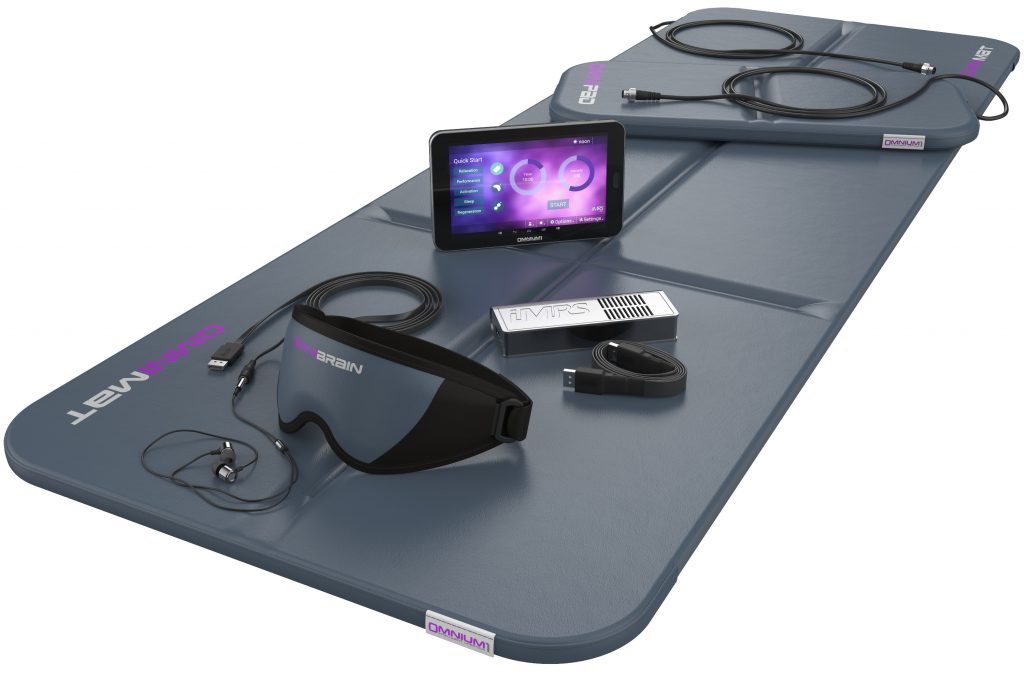
When Exagon Brain is connected, the control unit supports Brain-session workflows through the interface, including audio output options.
Exagon Sense Integration (Sensor-Based Session Tracking)
When Exagon Sense is connected, the control unit can display session metrics and store/export session records for personal tracking.
Session Recording + Export
Store session records internally and export via USB for your own organization and logs (where enabled).
Firmware Updates + Optional Feature Activations
The platform is built to evolve. Firmware updates may be provided over time, and optional feature activations may be available depending on configuration and authorized access.
Compatibility with the iMRS Prime ecosystem
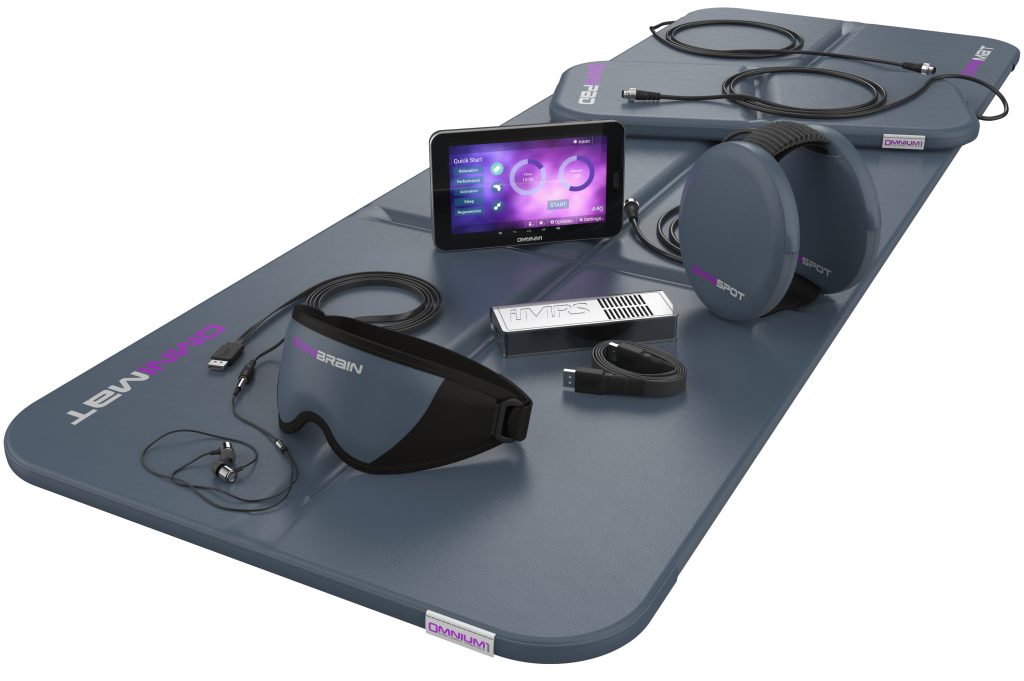
The iMRS Prime Control Unit is built to run the full iMRS Prime modular ecosystem via the Connectorbox, including compatible applicators such as Exagon Mat, Exagon FIR Mat, Pad, Spot, Exagon Brain, and Exagon Sense.
Warranty and support
Your iMRS Prime purchase includes a 3-year warranty (per manufacturer terms) plus setup guidance and ongoing support through PEMF Planet.
If you want to get help choosing the right configuration — or you want to confirm which software options apply to your setup — reach out and we’ll point you to the cleanest path.
Call: 1-888-621-1011
Email: info@pemfplanet.com
Manufacturer page: Official iMRS Prime page
iMRS Prime Control Unit FAQ
What does the iMRS Prime Control Unit do?
It runs the iMRS Prime platform — controlling applicators, session modes, saved programs, and software functions from one touchscreen interface.
What iMRS Prime software is included?
Most configurations include core modes such as Fast Start Programs, iGuide, Program Mode (saved sessions), and Manual Mode. Split Mode and integrations depend on configuration, software version, and connected accessories.
What is iGuide on iMRS Prime?
iGuide is the built-in program library that provides a large set of preset sessions inside the system.
What is Split Mode?
Split Mode enables independent left/right control so different applicators or session styles can run at the same time (where enabled).
Can I store or export session records?
Yes — the control unit can store session records and export them via USB (and may display additional metrics when compatible sensors are connected).
What applicators work with the iMRS Prime Control Unit?
It’s designed for the iMRS Prime ecosystem and compatible applicators such as Exagon Mat/FIR Mat, Pad, Spot, Exagon Brain, and Exagon Sense (via the Connectorbox).
What is the warranty on the iMRS Prime Control Unit?
The iMRS Prime system includes a 3-year warranty (per manufacturer terms).